Website Animation Reflection
Created:
Last updated:
The animated background in this website was built up slowly, and now there are swimming ducks! Below I will explain how I achieved this
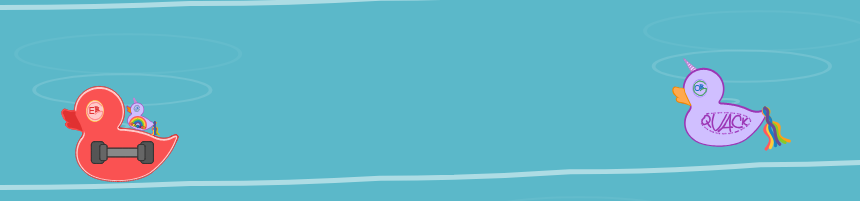
The animation is done with CSS, JS and HTML. It is made up of the ‘water’ and the ducks themselves. JS then updates the position of the waves and the ducks to create the movement.
Specifically, when looking at how this website works, inside site_src:
assets/js/pond.jshas the movement logic_includes/animated-background.htmlhas the template for the animation itselfassets/site-background/*.svghas the duck collectionassets/css/animated-background.csshas the styling- 10 wave elements are defined, with JS filling in their data each frame
- This movement is achieved through
requestAnimationFrame()see MDN Reference | requestAnimationFrame
- This movement is achieved through
- Key parts of this animation include:
- The
timeattribute, provided by the browser viarequestAnimationFrame - The wave shape via trigonometry:
phase,wiggleSpeed, andwiggleAmplitude - A SVG path is built from those points using quadratic curves (
Q) - JS fills in the data each frame - creation movement as the
- The
The smoothness is done with tricks:
- Waves and ducks begin and end outside the view window - moving downward
- The wave oscillation created the up-down wobble that bends
- As the wave bends it also moves downwards
animateDucks(time) then moves the ducks, simulating gentle side-to-side movement and bobbing. A ripple periodically comes out the back of them - implying movement ontop of the water
Finally there is a power toggle to pause the animation